What Eyk builds from this data
Eyk copies your orders, products and customers into your own BigQuery project. BigQuery is the data warehouse Eyk sets up for you. Data from all your stores lands in the same tables, so you can compare stores side by side.
In Canvas and Alvin AI, these tables show up as Sales, Product Variants, Customers and Attributions. Attribution needs Eyk’s first-party tracking on your website. Eyk builds the RFM tables when RFM segmentation is on for your organization.
Connect an ad platform too, to see your return on ad spend and your profit after ad spend next to your sales. To open your BigQuery project, click Google BigQuery at the bottom of the Eyk sidebar.
Before you start
You need:- Permission to install apps in your Shopify admin.
- An onboarding call with Eyk.
Connect Shopify
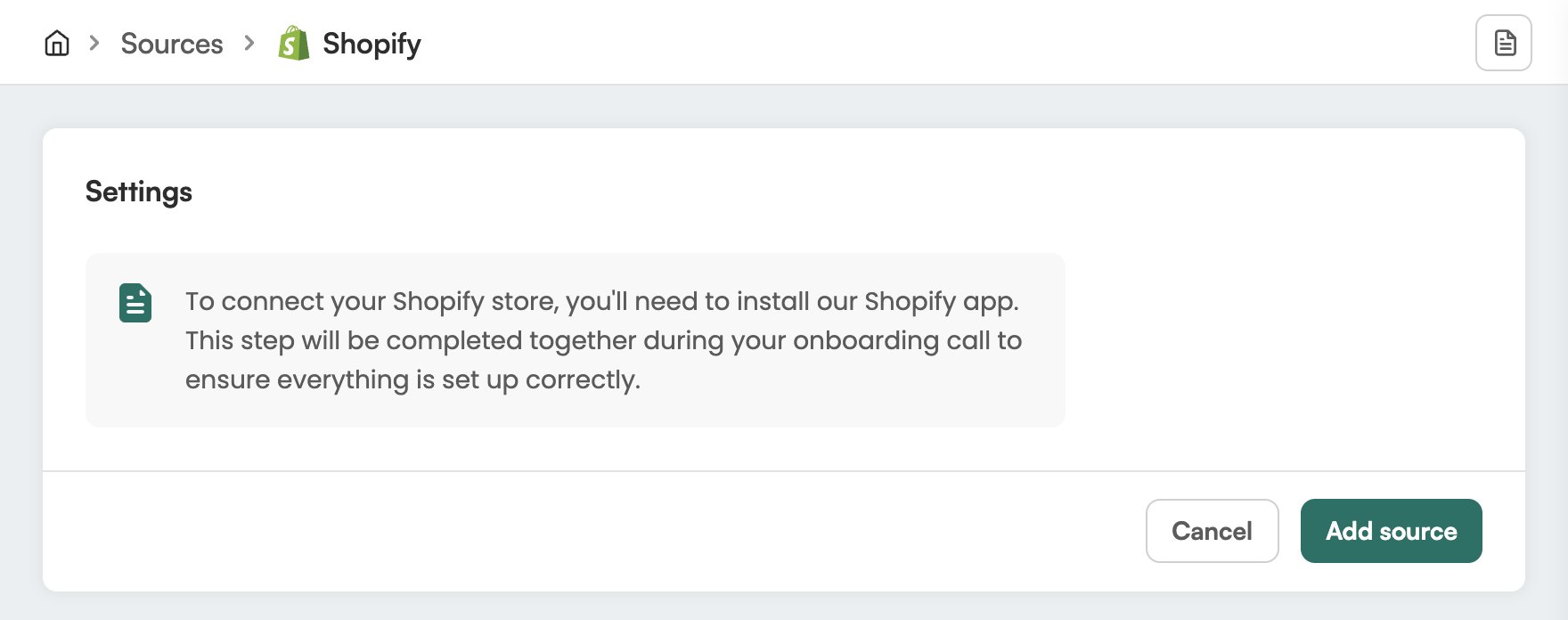
Eyk connects Shopify with you during your onboarding call. Together, you install the Eyk Shopify app in your Shopify admin. Ask your Eyk contact person if you need help with this step.