Before you start
You need:- Access to TikTok Business Center for your ads account.
- Access to the Tracking page in Eyk.
Part 1: Get your pixel details from TikTok
1
Open Pixels
Go to TikTok Business Center and open Assets >> Pixels.
- Create a new pixel
- Use an existing pixel
1
Add a pixel
Click Add a pixel.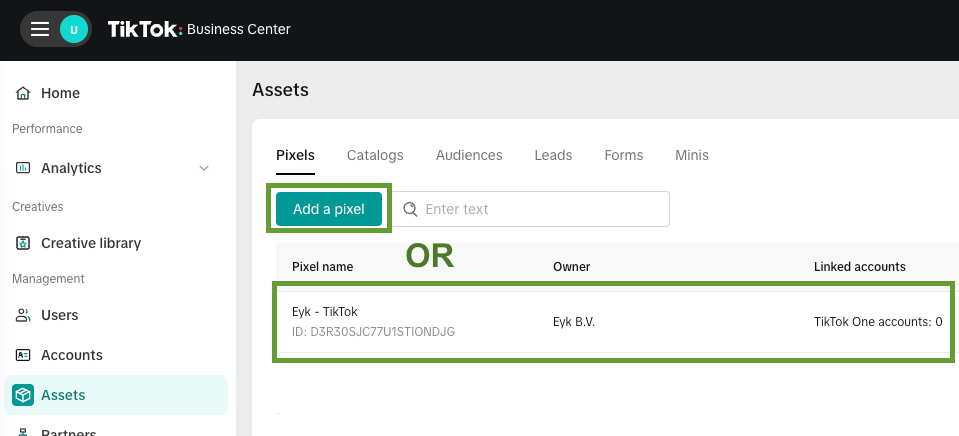
2
Select Manual setup
Select Manual setup.
3
Select TikTok Pixel + Events API
Select TikTok Pixel + Events API.
4
Name the pixel
Give your pixel a name, like
Eyk - Pixel.5
Install base code
Click Next.
6
Manage configurations
Select Enable Automatic Advanced Matching (AAM) and Allow automatic event setup. Leave the other toggles enabled. Click Next.
7
Set up events
Click Next.
8
Verify pixel setup
Click Next.
9
Set up business funnel
In the Choose a template drop-down, select E-commerce. Click Next.
10
Implement Events API
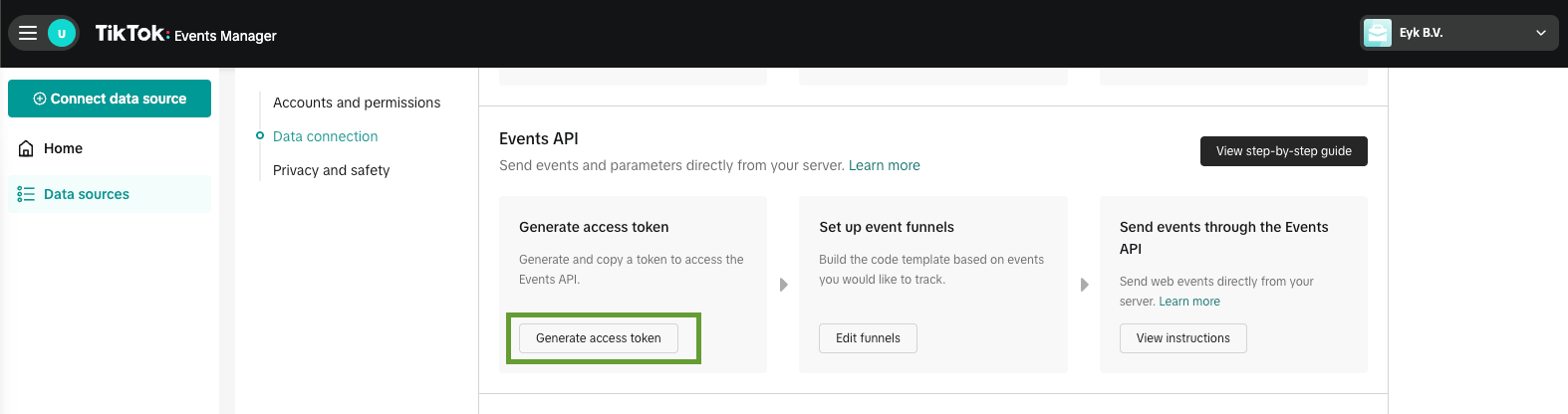
Click Generate access token and copy the access token. You need it in Part 2. Click Next.
11
Verify eAPI setup
Click Finish.
12
Copy the Pixel ID
On the next screen, copy the Pixel ID. You need it in Part 2.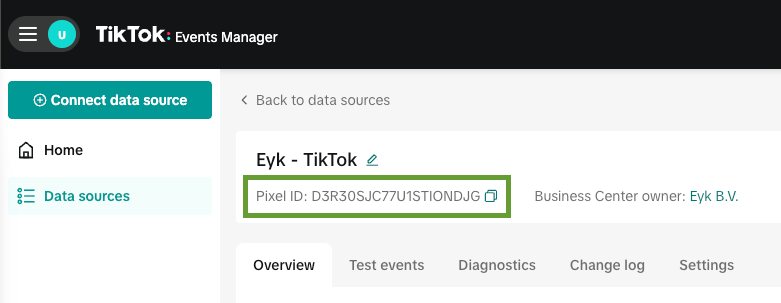
Part 2: Add the destination in Eyk
1
Add a destination
In Eyk, go to Tracking and click + Add destination.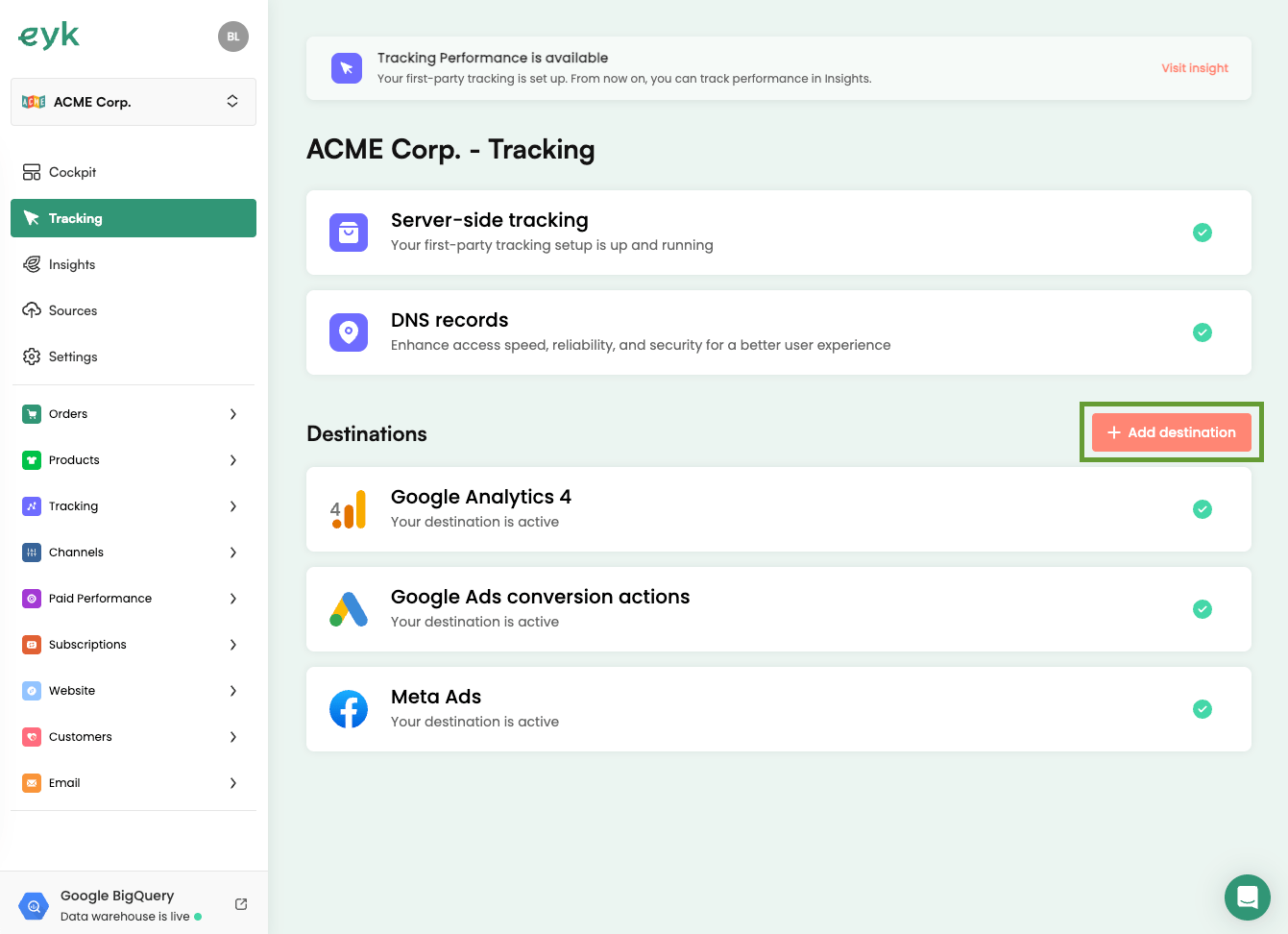
2
Select TikTok Ads
Select TikTok Ads from the list of destinations.
3
Enter the pixel details
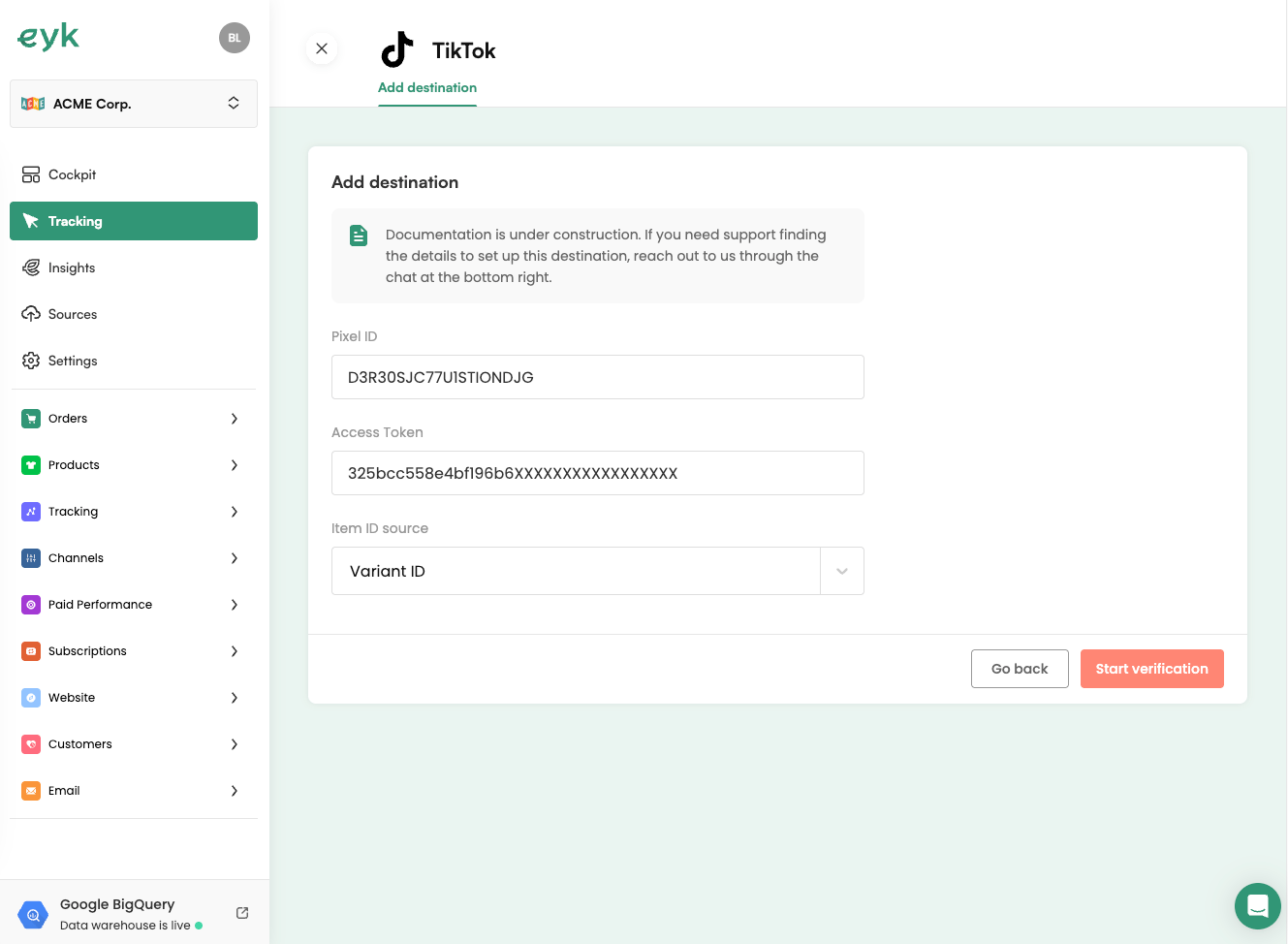
Enter the Pixel ID and Access token from Part 1.
4
Select an Item ID source
Select an Item ID source. It determines which product identifier Eyk reports to TikTok. If you have an active product feed to TikTok, use the same identifier type as that feed.
5
Start verification
Click Start verification.