

What Eyk builds from this data
Eyk copies the results of your email campaigns and flows into your own BigQuery project. BigQuery is the data warehouse Eyk sets up for you. All email platforms land in the same table, so you can compare them side by side.
To open your BigQuery project, click Google BigQuery at the bottom of the Eyk sidebar.
Before you start
You need:- A Copernica account with access to the mailings you want to connect.
- Access to the Sources page in Eyk.
Connect Copernica
1
Open the source library
In Eyk, go to Sources and click Add new source.
2
Select Copernica
In the Data source library, click Add next to Copernica.
3
Sign in to Copernica
Under Account, click Sign in. Sign in with the account from Before you start and give Eyk access.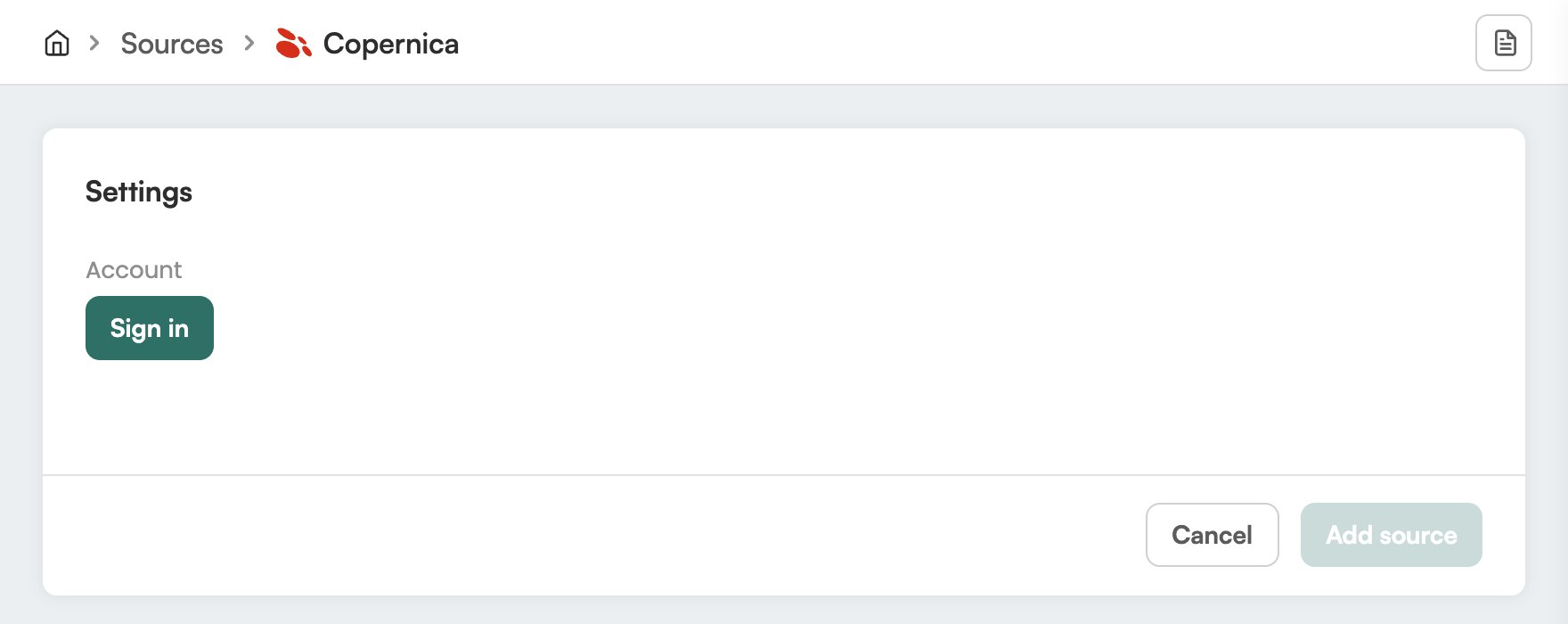
4
Add the source
Click Add source.
Check it worked
In Eyk, go to Sources. Copernica is in the list with the text Your data source is connected. Eyk updates your BigQuery tables every night.Troubleshooting
Copernica shows Attention needed
Copernica shows Attention needed
Open the Copernica source in Eyk and sign in again under Account.