

What Eyk builds from this data
Eyk copies the daily results of your campaigns into your own BigQuery project. BigQuery is the data warehouse Eyk sets up for you. All ad platforms land in the same tables, so you can compare them side by side.
In Canvas and Alvin AI, your ad spend shows up in Attributions, next to your sales. Connect a store platform too, so Eyk can calculate your return on ad spend, cost per acquisition and profit after ad spend.
The orders and revenue an ad platform reports can differ from your real sales. Eyk’s attribution uses your own orders and tracking data instead. To open your BigQuery project, click Google BigQuery at the bottom of the Eyk sidebar.
Before you start
You need:- A Microsoft account with access to the Microsoft Advertising account you want to connect.
- Access to the Sources page in Eyk.
Connect Microsoft Advertising
1
Open the source library
In Eyk, go to Sources and click Add new source.
2
Select Microsoft Advertising
In the Data source library, click Add next to Microsoft Advertising.
3
Sign in to Microsoft Advertising
Under Account, click Sign in. Sign in with the account from Before you start and give Eyk access.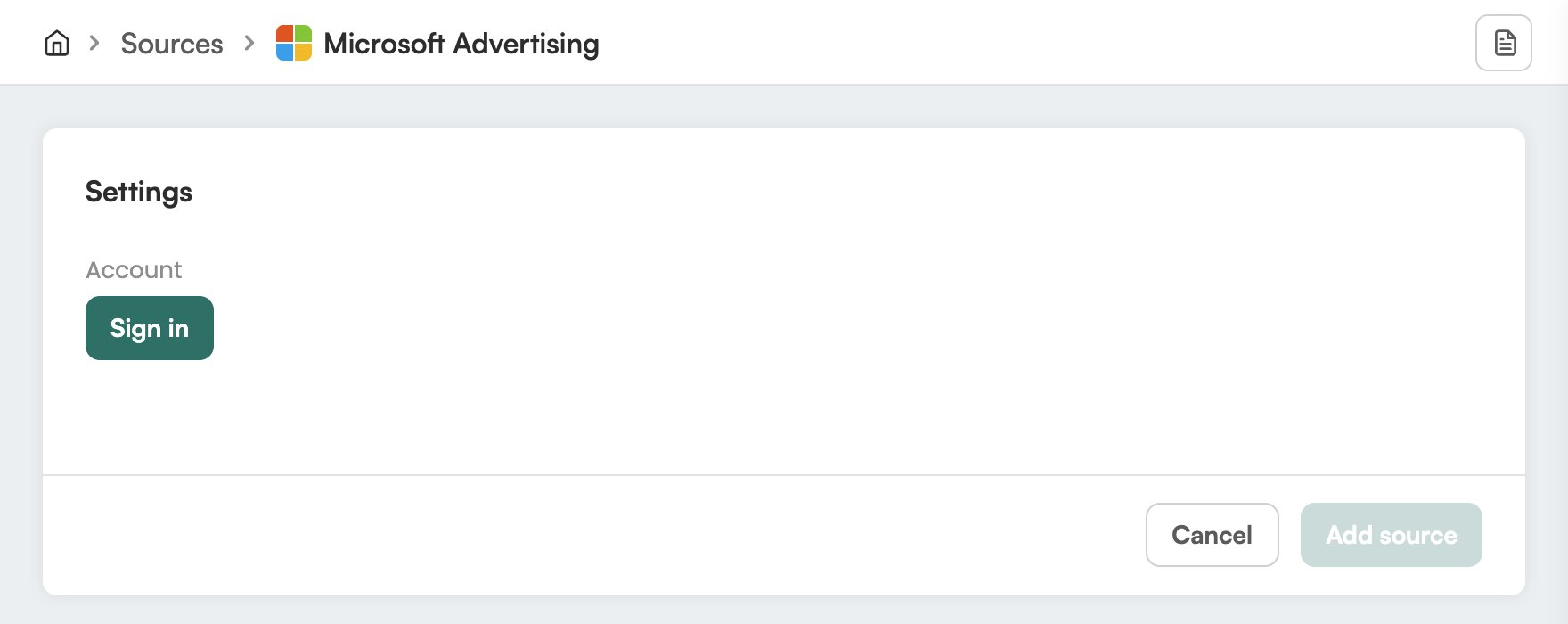
4
Add the source
Click Add source.
Check it worked
In Eyk, go to Sources. Microsoft Advertising is in the list with the text Your data source is connected. Eyk updates your BigQuery tables every night.Troubleshooting
Microsoft Advertising shows Attention needed
Microsoft Advertising shows Attention needed
Open the Microsoft Advertising source in Eyk and sign in again under Account.